On Android
- Open the chat.
- Tap the three dots in the top corner, then More, then Export chat.
- Tap Include media to bring the photos, or Without media for the text alone.
- Pick where it goes: an app like Onpaper, Gmail, or Google Drive.
WhatsApp has no Save as PDF button. What it has is Export chat, which hands you the chat as a text file, with the photos too if you ask for them. Turning that into a PDF takes two steps, on Android or iPhone.
Last checked 30 October 2026.
Export chat is in every chat’s menu, for one-to-one chats and groups alike. It copies the messages into a file and lets you send that file on, to an app, your email or your files.
An iPhone export arrives as a .zip file. The chat itself is the .txt file inside it.
There are two good ways. Onpaper lays the chat out like WhatsApp, photos and all, on your phone. Google Docs is free and works on any computer, but you get plain text.
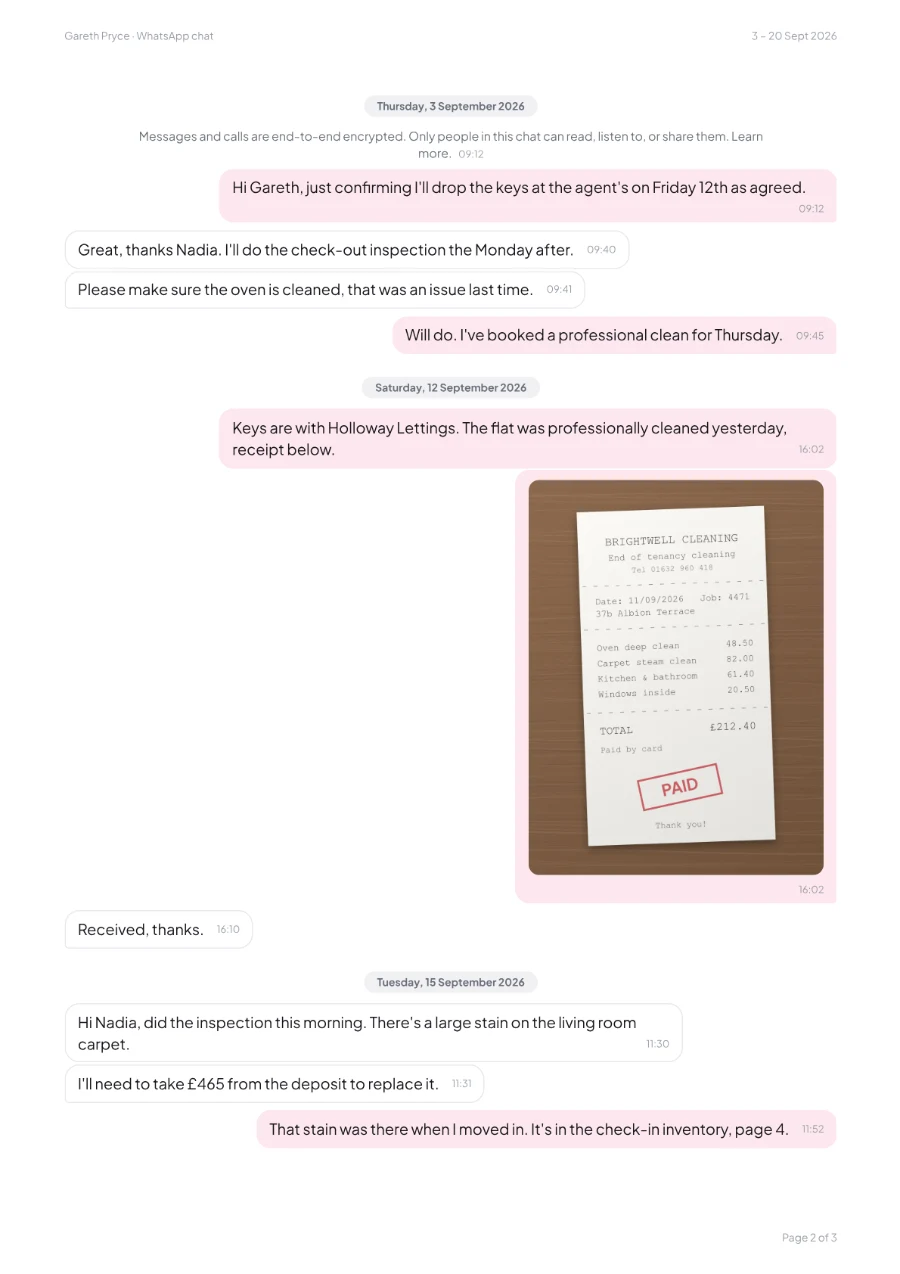
What you get: every message in a dated bubble, the photos printed where they were sent, and the chat’s name, dates and a page number on every page. Deleted and edited messages are marked. Nothing is uploaded.
Cost: free, with a “Free version” watermark on every page. A one-off £4.99 removes it and adds a cover page.
What you get: one long column of plain text. Every line starts with the date, the time and the sender’s name, and each photo shows as a line of text instead of the picture. It’s fine for a short chat with no photos.
| Feature | Onpaper | Google Docs |
|---|---|---|
| Photos | Printed where they were sent | A line of text instead of each photo |
| Layout | Chat bubbles, with yours on the right | Plain text, one line per message |
| Page numbers and header | On every page | Add them yourself |
| Just some dates | Pick any range | Delete the lines you don’t need by hand |
| Works on | Android phones, with exports from Android or iPhone | Any computer |
| Where the chat goes | Stays on your phone | Into your Google Drive |
| Price | Free with a watermark, or £4.99 once to remove it | Free |
A solicitor, a landlord, HR or an insurer. A few things make the PDF easier for them to use.
If someone deletes a message for everyone, it’s gone from your copy too. Export while the chat is complete.
Receipts, damage and screenshots often matter as much as the words. Export with media.
Pick the dates that count rather than years of chat. It’s easier to read, and you share less of your life.
Save the export file next to the PDF. It’s what the PDF was made from, if anyone asks.
A PDF of a chat shows what’s in WhatsApp’s export. It isn’t a legal certification, so if it’s for a court or tribunal, ask whoever is handling your case what they need.
Yes. Export the chat without media, open the text file in Google Docs on a computer, then choose File, Download, PDF Document. You get plain text, without the photos.
If anyone in the chat has turned on Advanced chat privacy, WhatsApp hides Export chat for everyone in it. It can be turned off in the chat’s settings. In a group, the admins may have locked that setting.
Not always. WhatsApp says it adds the most recent media to the export, so in a long chat the oldest photos may be left out.
No. WhatsApp says an export is a text file, not a backup, so it can’t be imported back. To move your chats to a new phone, use WhatsApp’s own backup or transfer.
Yes. Onpaper is an Android app, and it reads exports from both Android and iPhone. If you only have an iPhone, the Google Docs method works.
The same way as a one-to-one chat: open the group and choose Export chat. In Onpaper’s PDF, each person’s name shows above their messages.
Source: WhatsApp Help Center, How to export your chat history, checked 30 October 2026. Onpaper isn’t affiliated with WhatsApp or Meta.
Onpaper is on Google Play now. It’s free to try, with no ads and no account, and your chats never leave your phone.